Markdown to PDF that looks designed.
Covers, contents, clean page breaks and your branding. Try it without signing up.
No signup needed. Or edit the text below.
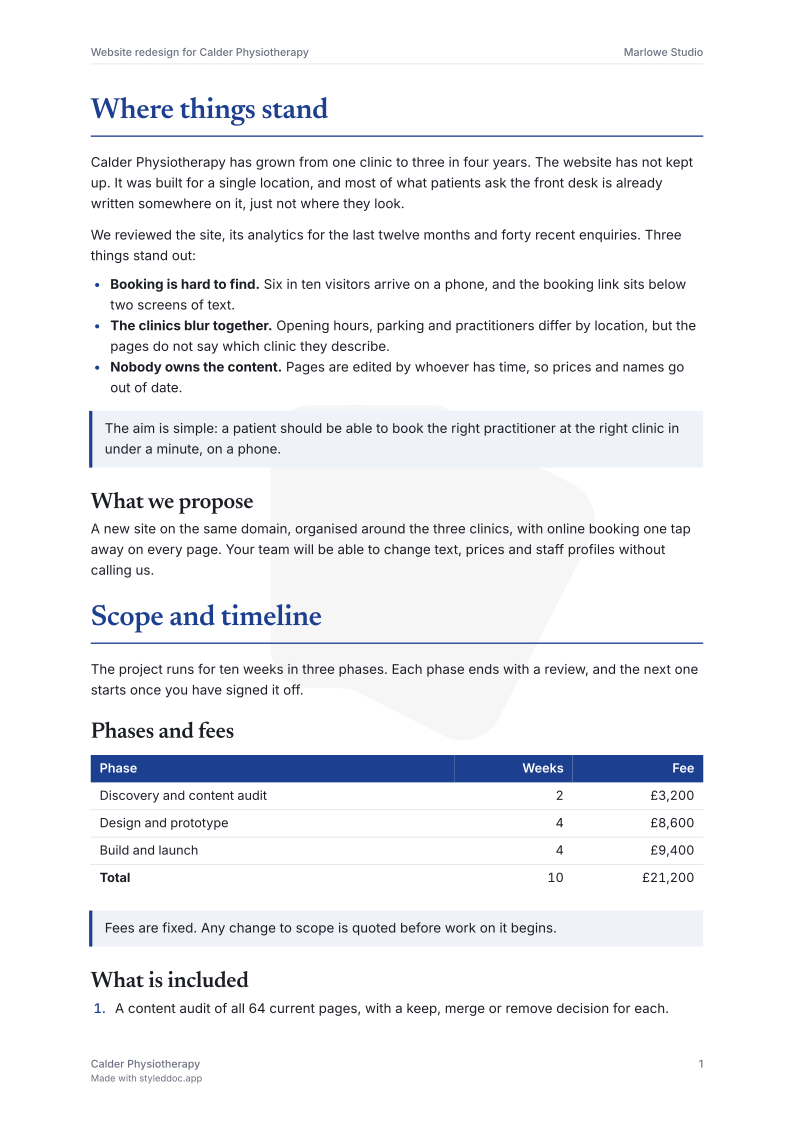
What StyledDoc reads
Standard Markdown, plus the extras people use in proposals and reports.
Tables
GFM tables with column alignment. Rows stay together and the header repeats when a table runs over a page.
Code
Fenced code blocks with syntax highlighting in a monospaced face, kept on one page when they fit.
Footnotes
Footnotes land at the foot of the page they belong to.
Callouts
Notes, tips and warnings written as blockquotes, set as highlighted blocks.
Front matter
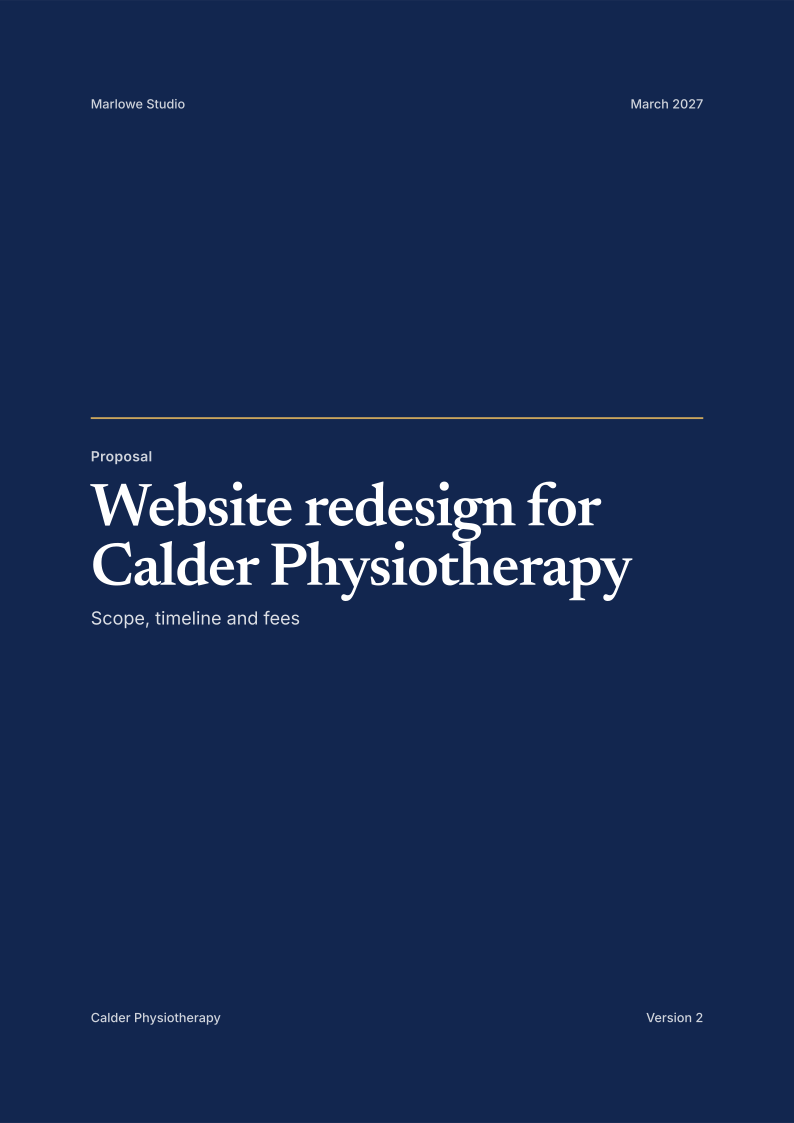
Title, subtitle, author, client, date and version fill the cover.
Images
Upload files with your document. Signed-in users can also link to https images.
Same file. Different result.
- A free converterStyledDoc
- No coverA designed cover from your title and client
- Default fontsA type system with a clear hierarchy
- Tables split across pagesRows stay together, headers repeat
- Headings stranded at the footHeadings stay with their paragraph
- Bare pagesRunning header and page numbers
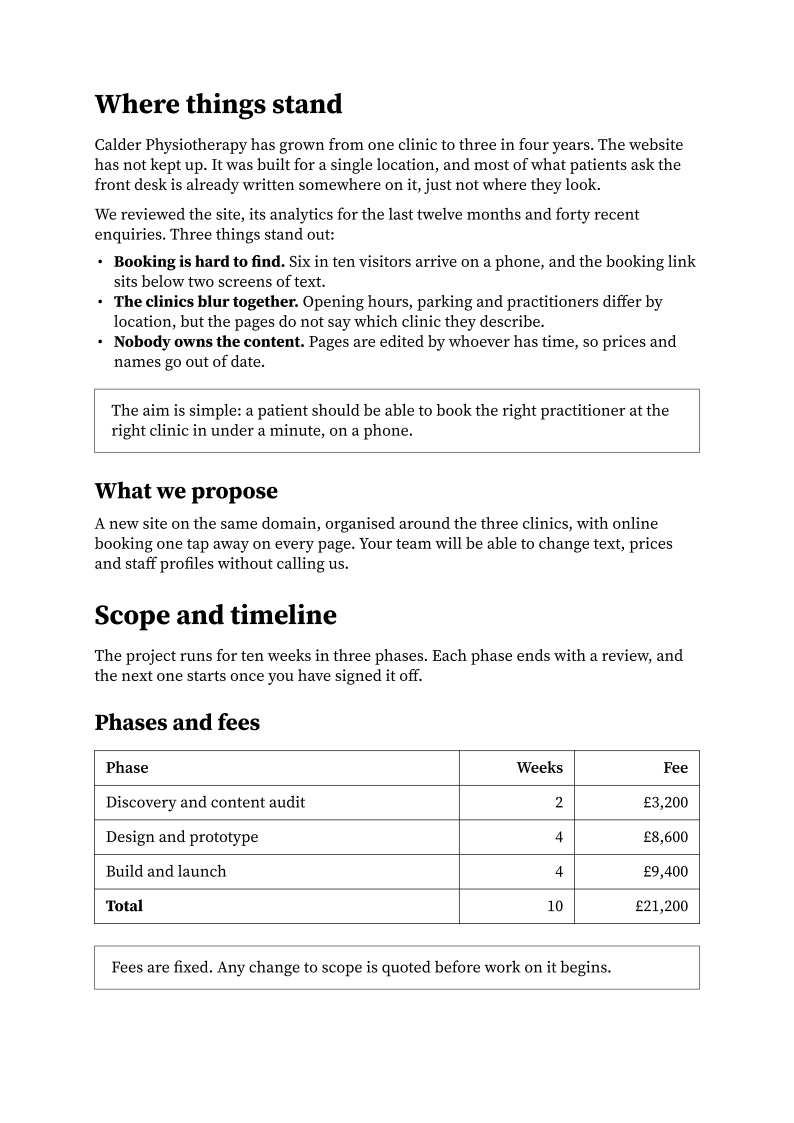
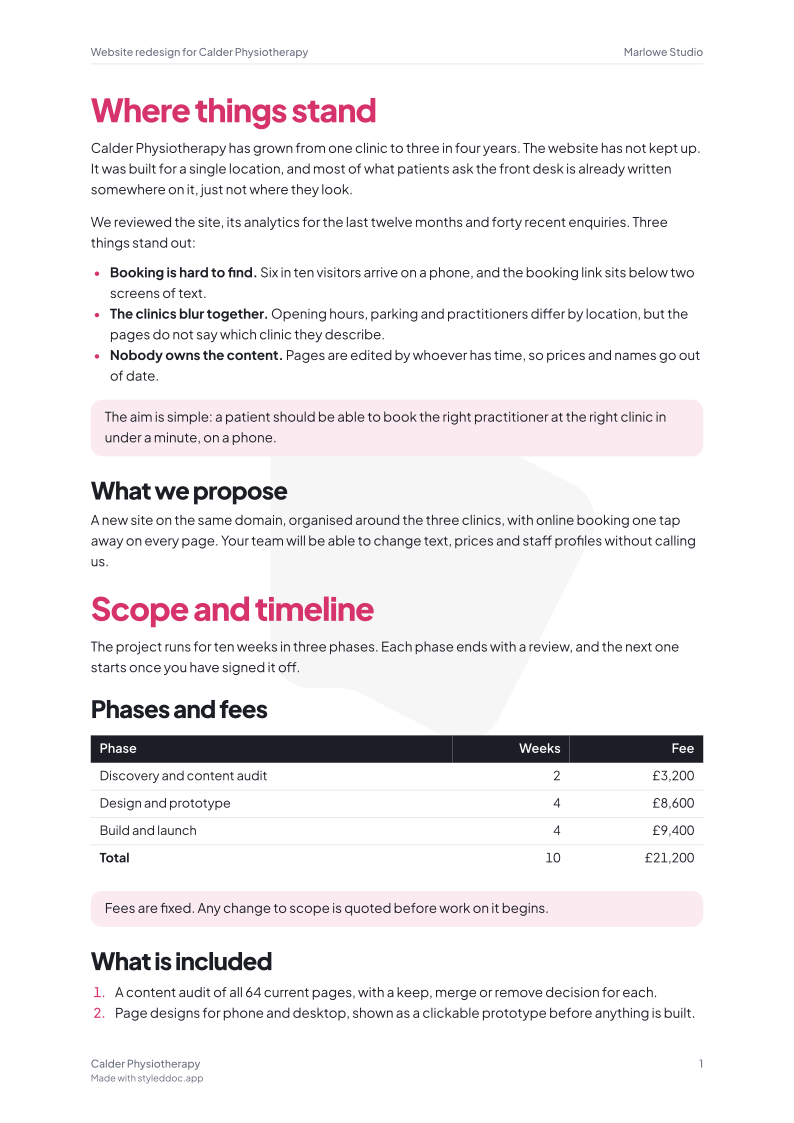
Five styles to start from.
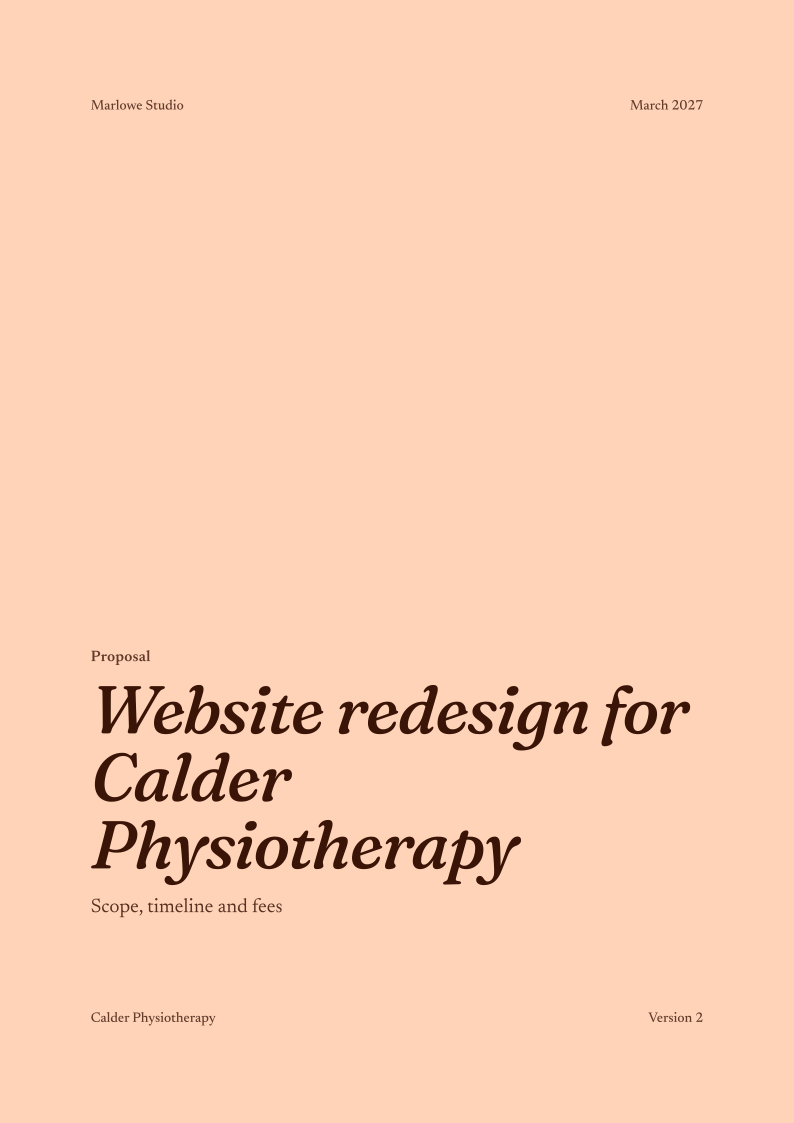
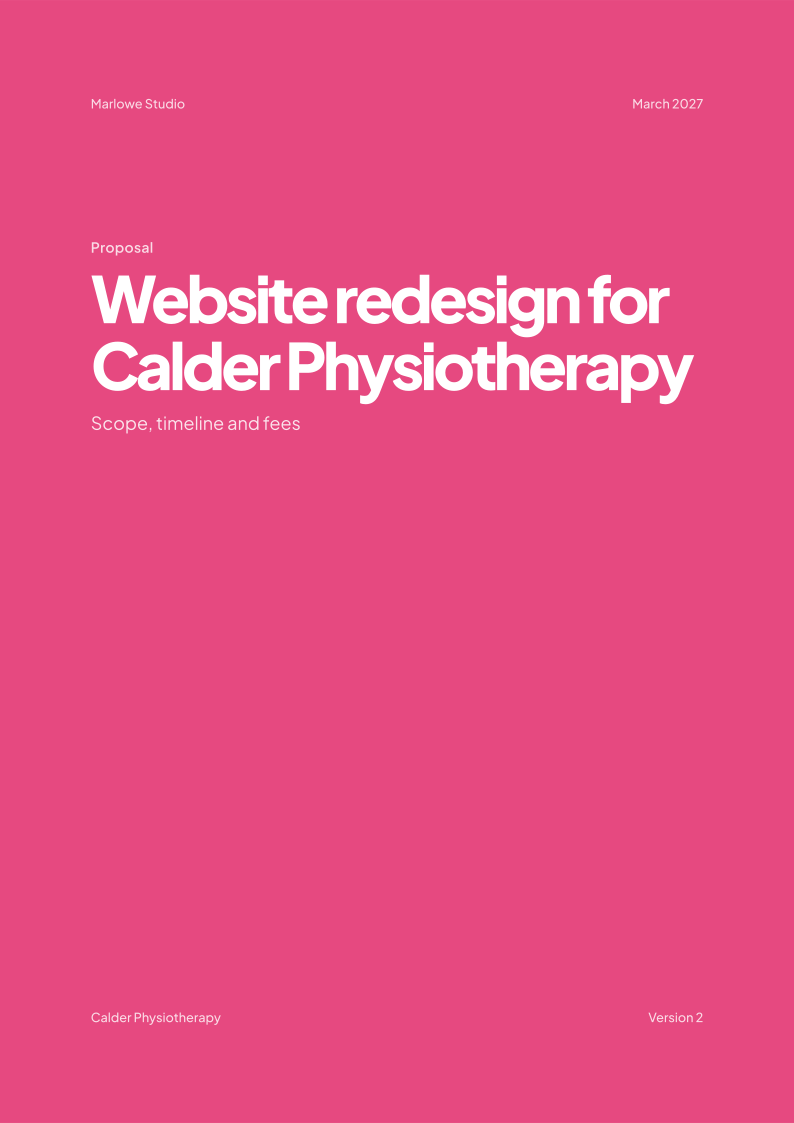
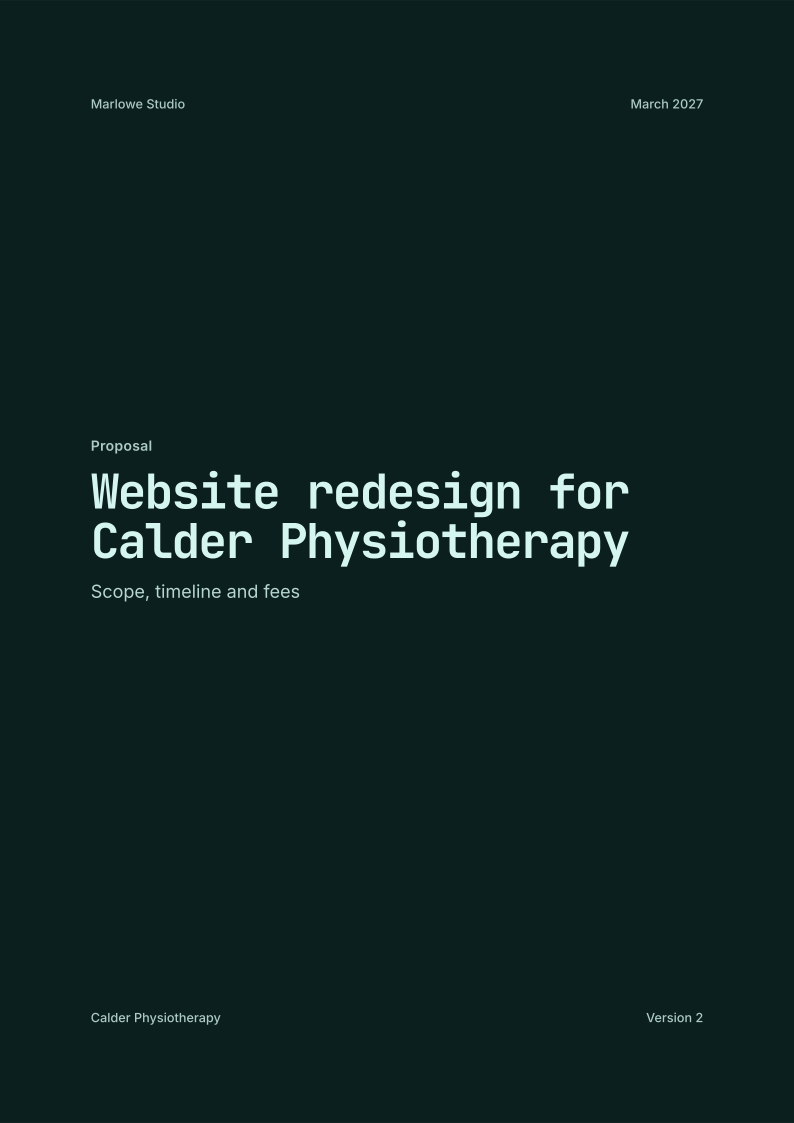
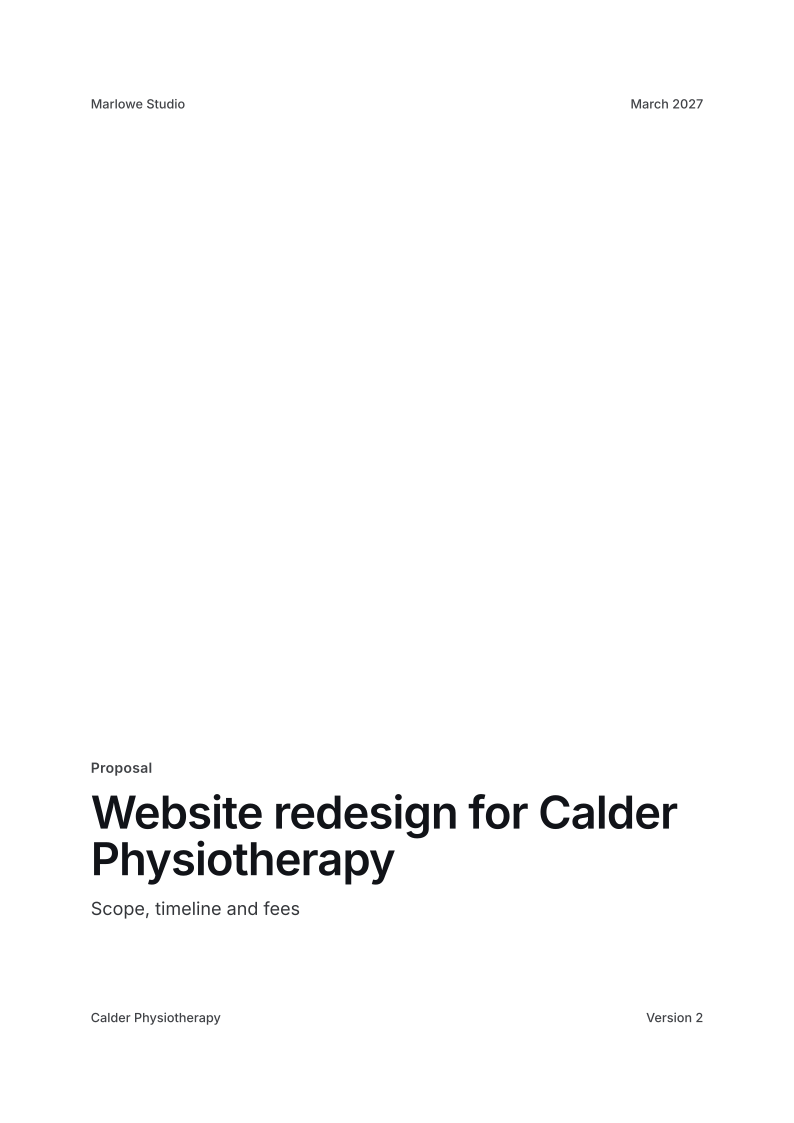
Design for free. Pay when you send it.
Free
$0
for as long as you like
- Every built-in style
- The full style editor
- Your colours and logo
- Unlimited exports with a “Made with styleddoc.app” footer
No subscription. A clean document costs 100 credits, charged once; exporting it again after an edit is free. Credits last 12 months.
Questions.
How is this different from Pandoc or printing from the browser?
Those convert a file. StyledDoc designs it: a cover, a type system, tables that hold together and page breaks in sensible places, with nothing to configure.
Can’t ChatGPT or Claude make a PDF?
They can, and it looks different each time. A StyledDoc style is saved settings, so the same content always gives the same pages, and your text never passes through a prompt.
Which formats can I bring, and which can I download?
Markdown today, pasted or uploaded as a .md file. Word, HTML, Google Docs and Notion are planned. Downloads are PDF, in A4 or US Letter.
Can I use my own fonts and logo?
Your logo and colours, yes, on the free plan too. The bundled fonts cover most looks, and you can upload your own TTF or OTF files.
What happens to my documents?
Your Markdown, images and exports are stored in your account so you can edit and download them again, and you can delete them at any time. Document text is never sent to an AI model. The privacy policy has the details.
What does the free footer look like?
One small line at the foot of each page, “Made with styleddoc.app”, and a faint mark in the page background.
Do credits expire?
Yes, 12 months after you buy them. A clean document costs 100 credits once; exporting the same document again after an edit is free.
Can a team share credits?
Yes. Create an organisation, invite your colleagues and buy credits for the organisation. Members share its styles, documents and credit balance.